
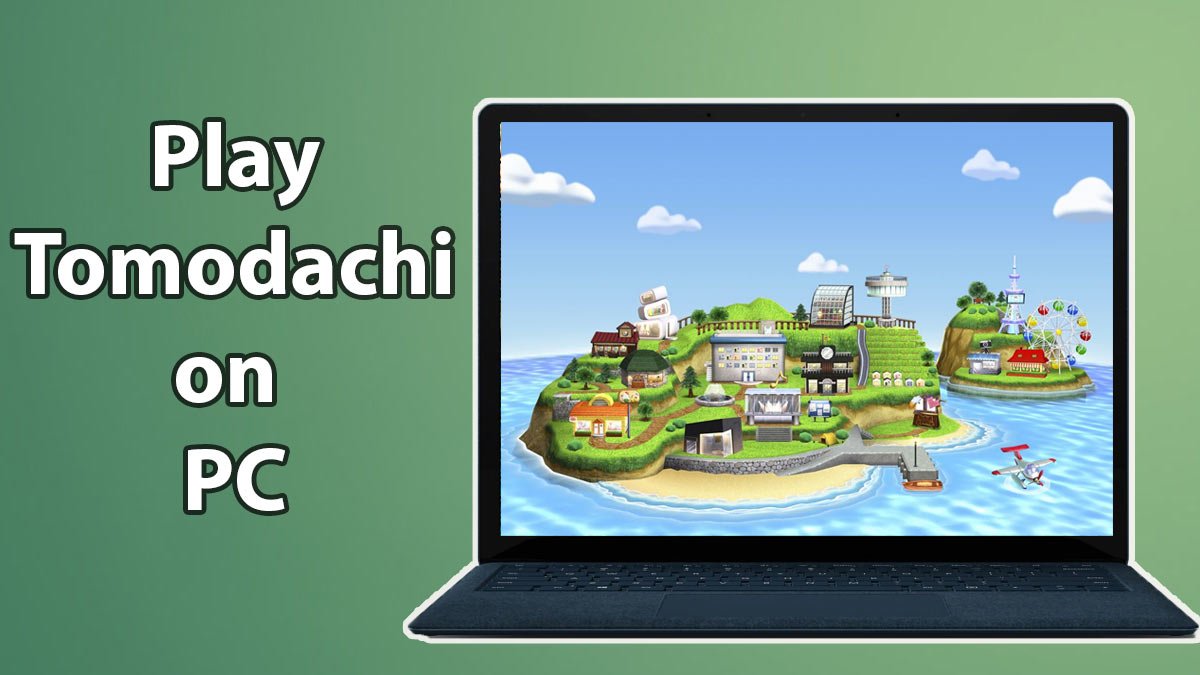
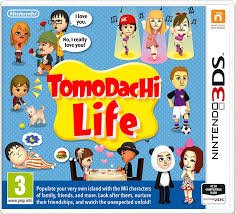
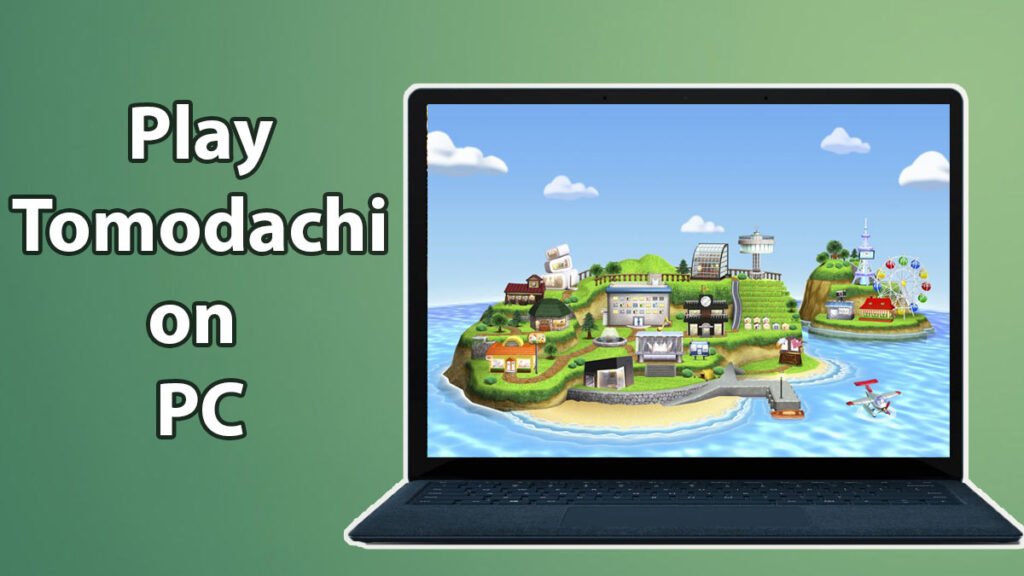
Tomodachi Life is playable on a PC thanks to contemporary Nintendo 3DS emulation. With the right emulator and a proper setup, you can enjoy the full Tomodachi Life experience on Windows or macOS without needing a physical Nintendo 3DS console.
This guide describes how to download and install a Tomodachi Life emulator on PC, what you’ll need before you begin, and how to properly setup everything for seamless gameplay.
What You Need Before Getting Started
Before setting up a Tomodachi Life emulator on your PC, make sure you have the following:
- A Windows or macOS computer
- A Nintendo 3DS emulator compatible with Tomodachi Life
- A Tomodachi Life game file (.3DS or .CIA format)
- Basic system permissions to install software
The emulator represents the system environment, whereas the game file contains the genuine Tomodachi Life data.
Step 1: Choose the Right Emulator for PC
For PC users, the most reliable option is Citra Emulator. It is specifically intended to imitate Nintendo 3DS hardware and has the highest compatibility with Tomodachi Life.
Why This Emulator Works Best
- Built exclusively for Nintendo 3DS games
- Stable performance on Windows and macOS
- Proper support for Mii characters and animations
- Keyboard and controller compatibility
- Active development and community support
Step 2: Download and Install the Emulator
- Visit the official emulator website
- Download the version that matches your operating system
- Run the installer and follow on-screen instructions
- Launch the emulator after installation completes
Once installed, the emulator will launch with a rudimentary interface where you may add games and change settings.
Tip: Avoid unofficial installers or “bundle downloads,” as these are the most common source of security issues.
Step 3: Prepare the Tomodachi Life Game File
The emulator does not include games. To play Tomodachi Life, you’ll need a suitable game file.
Supported Formats
.3DS.CIA
These files are digital copies of the original Nintendo 3DS cartridge. The emulator employs them to load the game just as it would on real hardware.
Important: Players should use a game copy they legally own. This is critical for remaining in compliance with copyright policies.
Step 4: Add Tomodachi Life to the Emulator
- Open the emulator
- Choose “Add Game Directory” or “Load File”
- Select the folder containing your Tomodachi Life game file
- The game will appear in the emulator’s library
Tomodachi Life will be ready to launch from the main screen after it has been added.
Step 5: Configure Basic Emulator Settings
Before beginning the game, it is recommended that you alter a few settings for improved performance.
Graphics Settings
- Set resolution to 2x or 3x for sharper visuals
- Enable hardware rendering if supported
- Leave advanced options at default if unsure
Audio Settings
- Use default audio output
- Reduce audio latency if sound delays occur
Controls
- Assign keyboard keys or connect a controller
- Customize controls to match your play style
These settings allow Tomodachi Life to run smoothly without affecting gameplay mechanics.
Step 6: Launch and Play Tomodachi Life
After setup is complete:
- Double-click Tomodachi Life in the emulator library
- The game will boot like it does on a Nintendo 3DS
- Create Miis, manage your island, and play normally
Save data is saved locally on your PC, and most emulators feature save states for added convenience.
Common Setup Issues and Fixes
Game not loading:
- Check file format compatibility
- Re-add the game directory
Lag or slow performance:
- Lower resolution settings
- Close background applications
No audio:
- Verify audio output device
- Restart the emulator
The majority of difficulties are configuration-related and can be readily fixed.
Advantages of Playing on PC
Using a Tomodachi Life emulator on PC offers several benefits:
- Larger screen experience
- Improved visual clarity
- Stable frame rates
- Easy save management
- Controller and keyboard support
These benefits make the PC one of the most popular platforms for imitating Tomodachi Life.
Conclusion
Setting up a Tomodachi Life emulator on PC is a basic process when you use the right tools and follow the proper instructions.. With a compatible emulator, a valid game file, and basic configuration, you can enjoy the full Tomodachi Life experience without owning a Nintendo 3DS.
For players seeking a dependable and pleasant way to play Tomodachi Life in 2026, PC emulation remains one of the greatest solutions.